Introduction
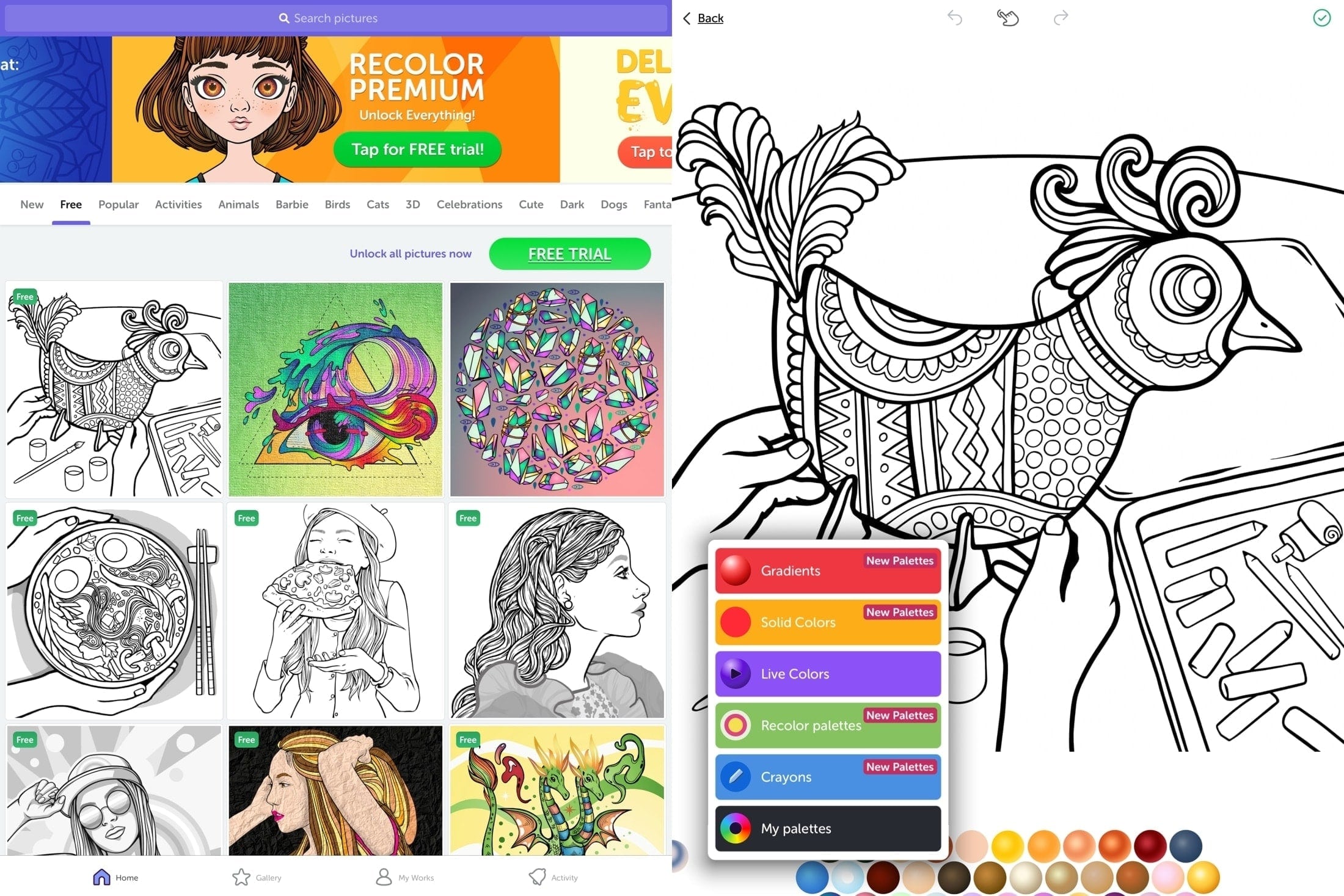
A coloring pages app functions as a digital creative tool that allows users to paint and fill illustrations on electronic screens, presenting unique opportunities and challenges within educational and home settings. According to ConnectSafely, establishing clear boundaries around mobile applications helps protect minors from aggressive data tracking and unexpected in-app purchases. Evaluating these platforms requires balancing screen time with offline wellness, maintaining strict device hygiene, and understanding how creative software integrates into broader digital citizenship lessons. Modern educators frequently pair digital creativity modules with traditional Worksheets to maintain an optimal balance between physical and virtual instruction.
Digital Safety Snapshot:
- Core Focus: Security considerations, privacy settings, and device management for digital art tools.
- Target Scope: Schools, homes, and middle school environments utilizing interactive software.
- Key Recommendation: Disable ad-tracking permissions and restrict network access on unverified creativity platforms.
Core Principles and Detailed Overview
Managing a coloring pages app requires a thorough examination of data privacy policies, third-party advertising frameworks, and storage permissions requested upon installation. Software designed for young audiences often embeds targeted advertising, behavioral trackers, or social sharing prompts that can inadvertently expose children to cyber risks or peer pressure. School administrators and educators must audit these tools to ensure compliance with student privacy laws like COPPA and FERPA. Integrating secure creative applications aligns directly with comprehensive Internet and Digital Safety curricula, teaching students how to recognize intrusive software designs and protect their personal data.
Key Specifications and Breakdown
| Safety Pillar | Digital Risk Factor | Actionable Protective Habit |
|---|---|---|
| Data Privacy | Collection of location and device identifiers | Review and deny unnecessary app permission requests |
| App Monetization | In-app purchases and predatory pop-up ads | Disable frictionless payment methods on the device |
| Screen Balance | Compulsive usage and displacement of physical rest | Enforce strict time limits using device management tools |
Digital safety guidelines emphasize that parents and educators should routinely audit third-party mobile software permissions to mitigate unauthorized data collection and protect minor privacy. — Cybersecurity & Infrastructure Security Agency (CISA)
Step-by-Step Practical Application and Guidelines
Implementing safe usage protocols involves configuring device settings prior to download and maintaining ongoing digital oversight. Initial setup must include disabling microphone, camera, and contact access unless those features are functionally necessary for the art activity. Furthermore, turning off Wi-Fi or cellular data while the child operates the program eliminates unexpected banner advertisements and data harvesting scripts. Educators should guide students to recognize trusted software distributors and encourage open discussions regarding unexpected prompts or pop-ups encountered inside any digital art environment, reinforcing core tenets of Online and Digital Safety.
Common Challenges and How to Avoid Them
Unchecked digital art tools frequently introduce hidden vulnerabilities, including excessive battery drainage, unwanted background tracking, and exposure to inappropriate external web links disguised as rewards. Caregivers often struggle to distinguish between educational creative platforms and marketing funnels engineered to manipulate attention spans. Avoiding these pitfalls requires utilizing centralized device management systems, activating strict parental controls, and periodically auditing installed applications. Maintaining vigilance ensures that creative screen time remains secure, productive, and free from commercial exploitation.
💬 Frequently Asked Questions
Explore More Kids Safety and Digital Citizenship Guides on SafeWiredSchools
Building a secure digital ecosystem requires continuous education, proactive device management, and access to authoritative instructional materials. Educators, parents, and school leaders can expand their safety knowledge by reviewing additional resources available through Coloring Pages and exploring the complete library hosted at Safe Wired Schools.
Printable Coloring Page Previews