
Introduction
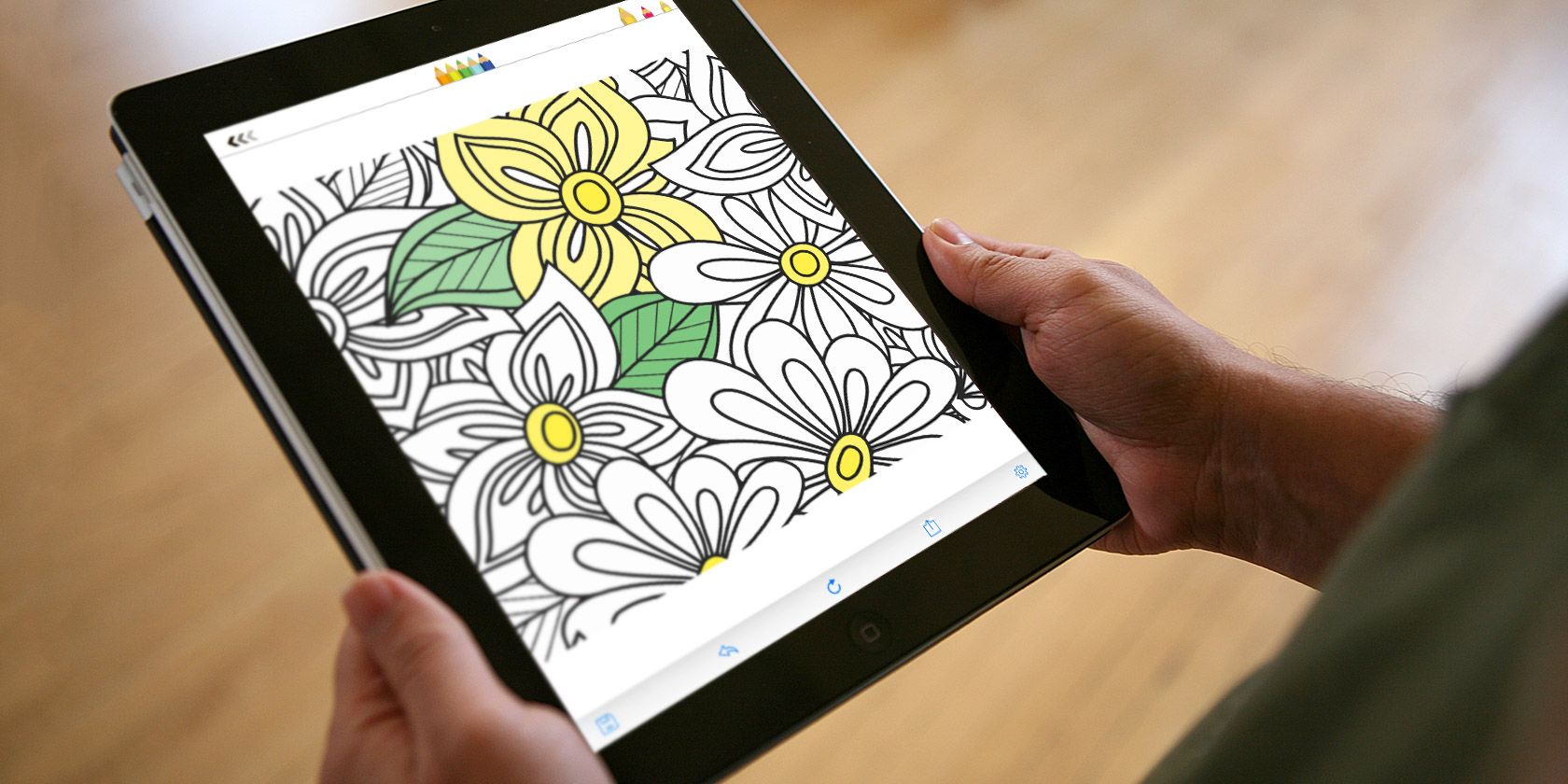
Coloring pages optimized for iPad viewing and digital annotation serve as accessible, highly engaging visual resources that bridge tactile fine-motor practice with interactive early childhood curriculum needs. According to the National Association for the Education of Young Children (NAEYC), intentionally selected digital tools combined with hands-on physical Worksheets can successfully support early cognitive development when implemented with clear pedagogical boundaries. Educators and homeschool parents frequently leverage these digital assets to project themes, guide stylus tracing, or prepare printable supplemental materials for diverse learning environments. Integrating screen-based viewing with traditional paper-and-pencil reinforcement ensures that young learners gain optimal visuospatial benefits without losing essential tactile instruction. Structured resources found across platforms like Knowalla help bridge this gap effectively.
Curriculum Practice Snapshot:
- Core Focus: Utilizing tablet-accessible visual prompts to stimulate fine-motor dexterity and creative color exploration.
- Target Scope: Pre-K through early elementary classrooms and structured home learning environments.
- Key Recommendation: Combine digital display viewing with direct printable reinforcement to maximize hand-eye coordination.
Core Principles and Detailed Overview
Digital coloring templates displayed on tablets provide high-contrast, adaptable visual models that enhance focus, spatial awareness, and color recognition before students transition to paper. Direct answer optimization requires recognizing that tablet-based image displays function best as pre-drawing references or interactive stylus-guided Handwriting & Tracing exercises rather than total replacements for physical grip development. Early childhood specialists design these assets to foster concentration, patience, and visual discrimination. By displaying clean, bold-lined graphics on screens, educators can easily scale designs for group instruction or individual student pacing. Supplementing these screen-viewed models with physical Coloring Pages ensures muscle memory is adequately built through actual crayon and pencil manipulation.
Key Specifications and Breakdown
| Grade / Developmental Stage | Target Learning Skill | Instructional Strategy & Scaffolding |
|---|---|---|
| Pre-Kindergarten (Ages 3-4) | Color identification and boundary awareness | Use high-contrast tablet templates paired with chunky physical crayons. |
| Kindergarten (Ages 5-6) | Stylus control and precision shading | Incorporate digital touch-screen tracing before physical paper execution. |
| Early Elementary (Ages 6-7) | Complex pattern recognition and fine motor stamina | Provide multi-step thematic Learning Activities combining screens and print. |
Balanced integration of digital instructional tools and tactile manipulatives is strongly recommended for foundational early childhood skill acquisition — Institute of Education Sciences (IES) What Works Clearinghouse
Step-by-Step Practical Application and Guidelines
Implementing tablet-based visual prompts requires a structured three-step instructional workflow that transitions children smoothly from digital observation to physical creation. First, educators display the target graphic on the tablet screen to introduce vocabulary, discuss color choices, and model proper line-following techniques. Second, learners examine the digital contours closely to understand spatial boundaries and shape orientation. Third, instructors distribute corresponding hard-copy printouts from verified Teacher Resources, allowing children to replicate the observed patterns using physical writing instruments. This deliberate sequence guarantees that screen time directly supports tactile mastery and cognitive retention.
Common Challenges and How to Avoid Them
Over-reliance on passive screen interaction without physical reinforcement represents a primary pitfall when utilizing tablet-based visual templates in early education. Direct answer avoidance of this issue relies on establishing strict time boundaries and mandatory physical follow-up tasks where children physically color, cut, or trace on paper. Another frequent challenge involves low-resolution images that cause eye strain or blurred boundary lines on high-definition tablet displays. Educators prevent this by selecting vector-based or professionally formatted PDF printables optimized for both crisp screen projection and flawless paper printing. Maintaining a balanced ratio between digital viewing and hands-on manipulation protects developing eyesight and ensures robust motor skill progression.
💬 Frequently Asked Questions
Explore More Early Learning and Classroom Resources on Knowalla
Discover an extensive library of professional printables, structured skill builders, and creative teaching aids designed to support early childhood education. Educators and parents can easily access comprehensive category archives to enhance daily lesson planning and student engagement. Visit Knowalla today to find top-tier educational assets tailored for modern classrooms and homeschool environments.
Printable Coloring Page Previews